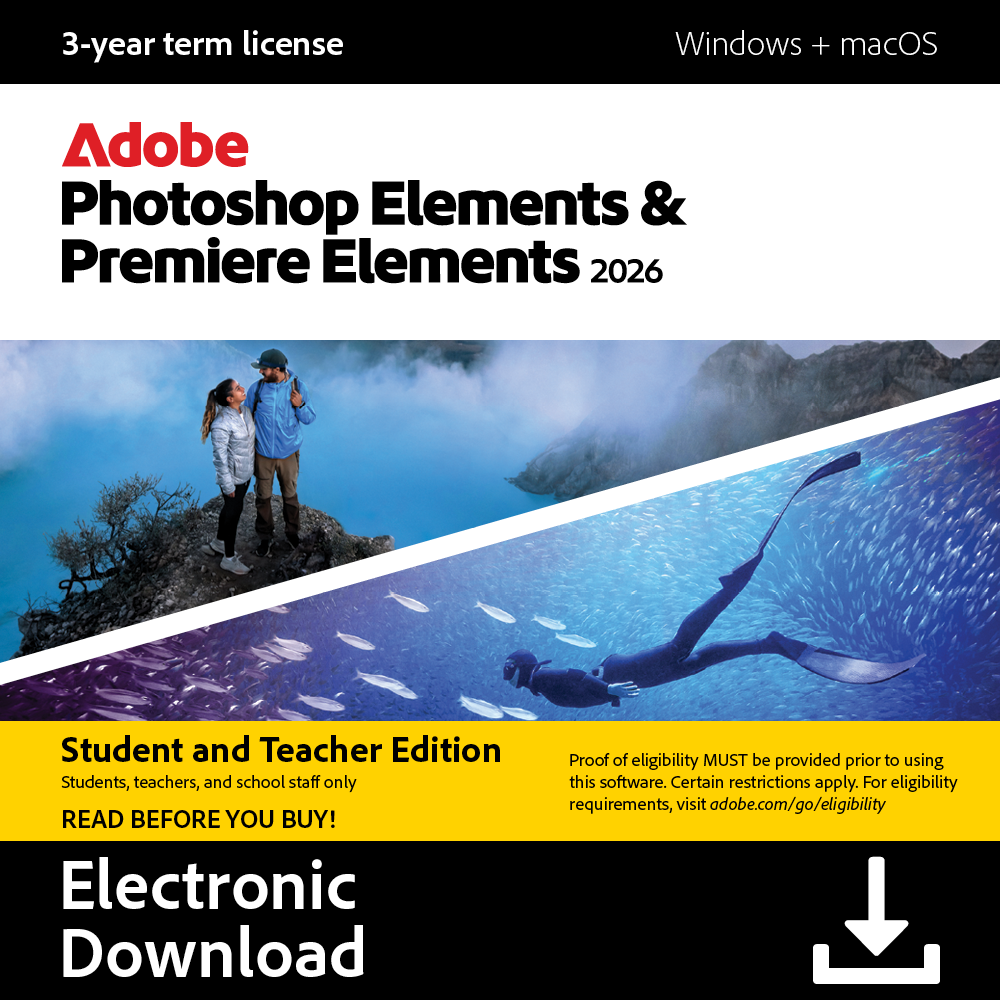
 Digital key – Delivered instantly
 No expiration date
 Platform: Adobe
1. Visit redeem.adobe.com/elements-edu.
2. Sign in to your Adobe account or create an account.
3. Validate your academic status and click “Continue”
4. Enter the redemption code and click “Redeem code”
5. Click “Get Started”
The 3‐year term license begins once you redeem the code.
(Code cannot be replaced – please keep safe)
Should they help with the redemption need, please contact Adobe Support: helpx.adobe.com



Reviews
There are no reviews yet.